
 4 months ago
206
4 months ago
206
You're hungry, and your stomach's already growling. Normally, you'd grab your phone, open your favorite delivery app and start scrolling through endless restaurant lists. Tap a few menus, pick a few items and before you know it, you've built your order piece by piece.
But with Amazon Alexa+, you can skip all that tapping and scrolling. Just tell Alexa what you're in the mood for, change your mind halfway or add something extra as you go, like you're chatting with someone taking your order.
That's the new idea behind Alexa+. Amazon has rolled out a voice-powered food ordering feature that lets you get delivery from Uber Eats and Grubhub without ever opening an app. Just say what you want, and Alexa handles the rest.
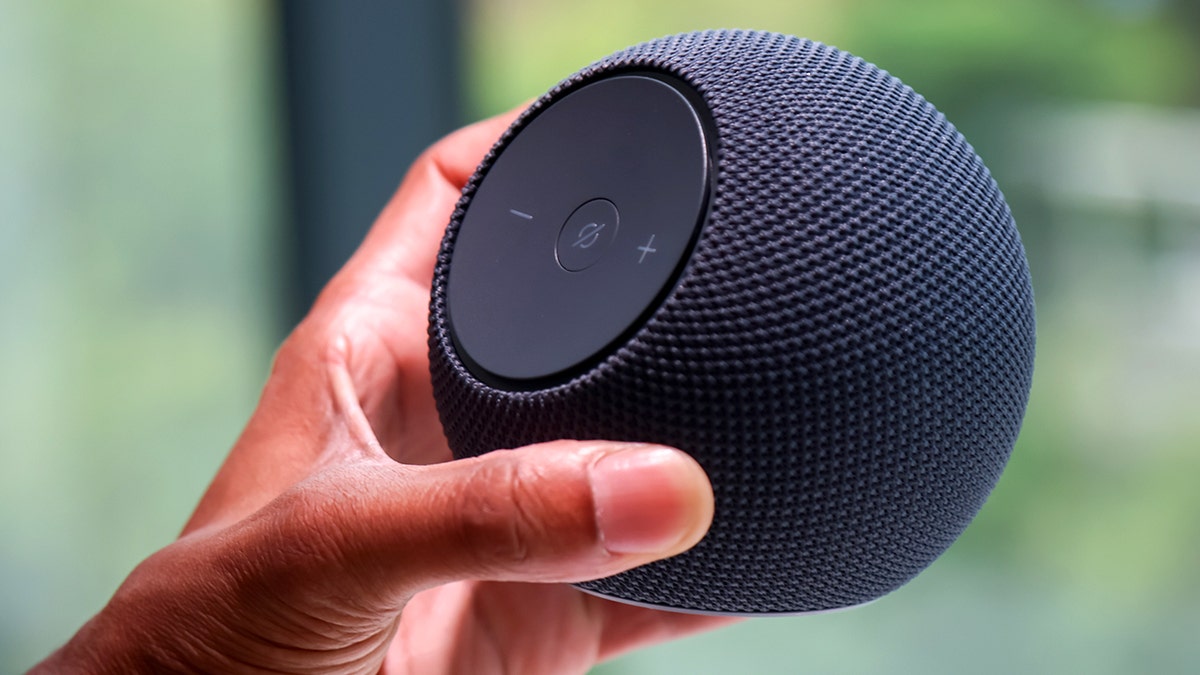
Amazon Alexa+ now lets users order food from Uber Eats and Grubhub by voice, turning delivery into a back-and-forth conversation instead of a series of taps. (Michael Nagle/Bloomberg via Getty Images)
What you need to use Alexa+
Now, before you start ordering with your voice, there are a few quick setup steps.
- You need an Alexa+ compatible device, like an Echo Show
- You must link your Uber Eats or Grubhub account in the Alexa app
- Your past orders can sync automatically for quick reordering
Once that's done, it becomes a hands-free experience.
How to set up Alexa+ for food ordering (step by step)
We set this up using the Amazon Alexa app on a phone, and these are the exact steps we followed. The menus may look slightly different depending on your device.
- Open the Alexa app on your phone
- Tap "More" (it usually has three horizontal lines)
- Tap "Alexa+ Store"
- Use the search bar and type in Uber or Grubhub.
- Tap the service you want
- When it appears, tap to open it.
- Tap "Connect" or "Enable" (You may see a page from "pitangui.amazon.com" during setup. That's part of Amazon's system and is safe if you open it from the Alexa app. )
- Next, sign in to your account on your phone
- Tap "Grant access"
- Tap "Continue"
- Tap "Close" to return to the app
After we linked our Grubhub account, we got a confirmation email saying everything was successfully connected. Once that's all done, it becomes a hands-free experience.
To actually place an order, go to your Echo device and say, "Alexa, I want to order food," then follow the prompts on the screen. Note: the feature is still rolling out and works best on newer Echo Show devices.
You can also manage or remove the connection anytime in the Alexa app by going to: Alexa App > Menu > Settings > Manage Alexa+ Services < The service you want to remove > Unlink & Revoke Permissions
How Alexa+ actually builds your order
After you're set up, this is where things start to change. For years, voice assistants followed a simple pattern. You ask something. It answers. That's it.
With Amazon Alexa+, that model shifts. Instead of giving one command at a time, you can carry on a back-and-forth conversation.
You might start with:
- "Show me Mexican food"
- "Actually, let's do pizza"
- "Add a large pepperoni with extra cheese"
- "Wait, make that two"
The system updates your order in real time. If you change your mind, it adjusts instantly on screen. Even better, it only jumps in when you need help. That means fewer interruptions and a smoother flow.
With Alexa+, Amazon is pushing voice ordering beyond basic commands, letting users browse restaurants, customize meals and check delivery status through natural conversation. (Michael Nagle/Bloomberg via Getty Images)
How Alexa+ lets you customize your order
This is where things start to feel different from anything we've seen before.
You can explore like you're talking to a person
You don't need exact menu names. Say something like "meat lovers pizza," and Alexa+ finds the closest match. Want dessert? Just ask. Curious what's popular? Ask that too.
You can change your mind mid-order
Most apps make you backtrack. Alexa+ lets you pivot on the fly. Add items. Remove them. Adjust quantities. Switch restaurants entirely. Everything updates live on your screen.
You see the full breakdown before you pay
Before checkout, you'll get a clear summary:
- Item names
- Quantities
- Individual prices
- Total cost
That transparency matters, especially when small add-ons can quickly add up.
You can track your delivery with your voice
Once your order is placed, you can simply ask:
"Alexa, where's my food?"
No need to dig through notifications or open another app.
Why Amazon is pushing Alexa+ now
This isn't just about food delivery. Amazon is testing a bigger idea. It wants Alexa+ to adapt based on what you're trying to do. Ordering food needs flexibility. Checking the weather doesn't. So instead of one rigid interaction style, Alexa+ shifts its behavior depending on the task. Food ordering is just the beginning. Amazon is already hinting at future uses like grocery shopping and travel planning.
Amazon’s new Alexa+ food-ordering feature connects with Uber Eats and Grubhub, allowing users to build, change and track delivery orders without opening an app.
What this means to you
This feature sounds convenient, and in many ways it is. Still, there are a few things worth thinking about before you start ordering dinner out loud. First, it makes ordering easier. That's great for speed, but it can also make spending feel effortless. When ordering becomes a conversation, it's easy to keep adding items without paying attention to the total. Second, your data matters. Linking accounts means Amazon can connect your voice activity with your food habits. That includes what you order, when you order and how often. Third, it changes how you interact with technology. Instead of tapping and scrolling, you're relying on AI to interpret what you mean. That saves time, but it also means trusting the system to get things right. Finally, it may reshape your habits. If this becomes second nature, opening apps could start to feel old-fashioned before long.
Key takeaways
Ordering food has always been simple. Now it's becoming conversational. That shift might sound small, but it signals something bigger. Technology is moving away from commands and toward natural interaction. The goal is to make devices feel less like tools and more like assistants. The real question is how far that goes. If your device can handle dinner tonight, what else will it manage tomorrow?





 English (US) ·